32 packages · Portable workflow guidance
Your next idea.
Built with AI.
Bring a workflow to your assistant. Choose the integration that fits your model and tools.
Codex · Claude Code · Sovra AI · Explore integrations ↗
Your idea.
Your next step.
You don't need every detail figured out. Start with what you want to make, improve, or understand.
Assembly brings together guided workflows for features, interfaces, motion, and research. Use them in your own project—or work with PopL to shape a custom build.
See how it works ↗Explore the work.
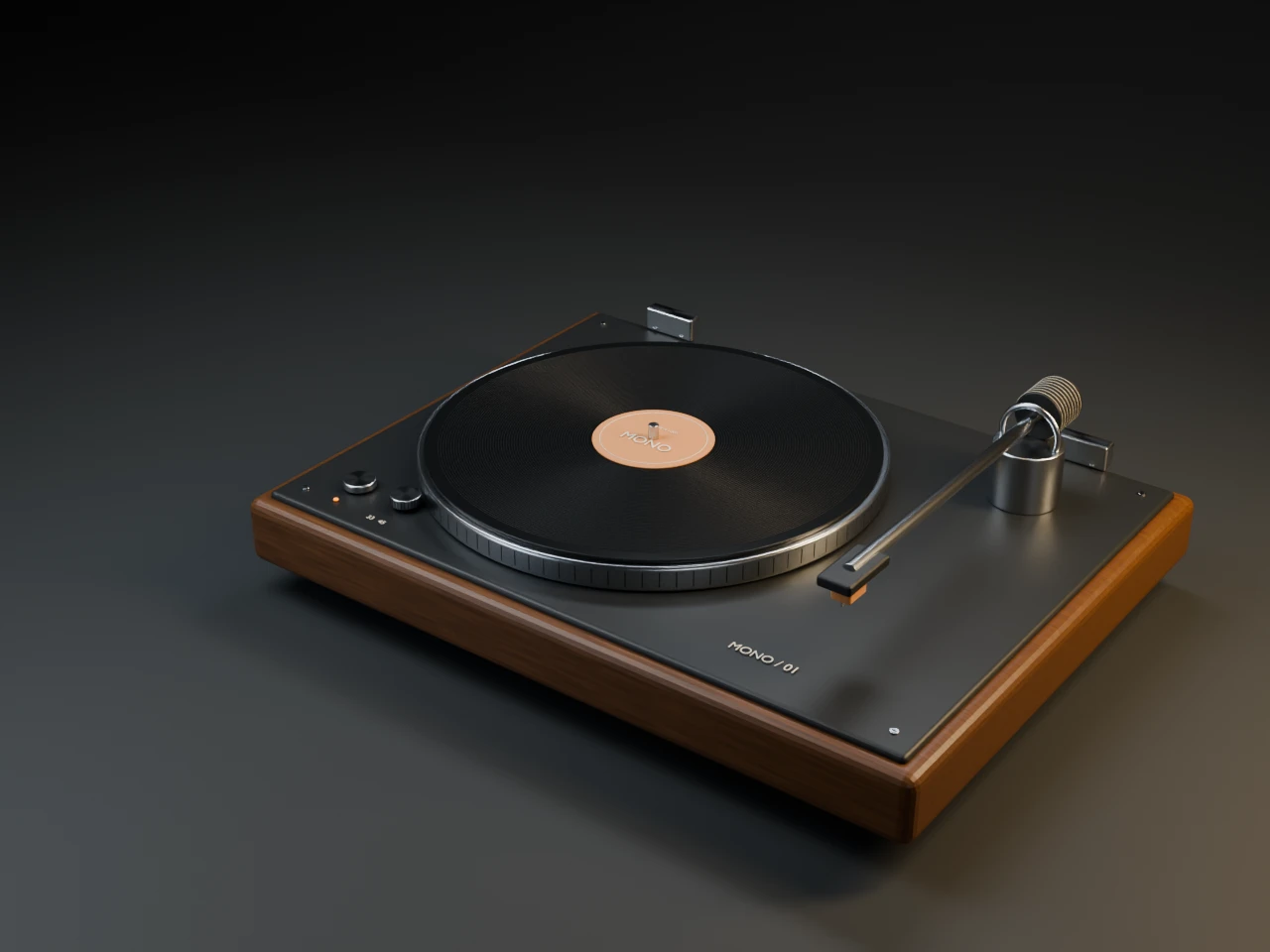
Three original product stories.
Pick a project, then step inside.
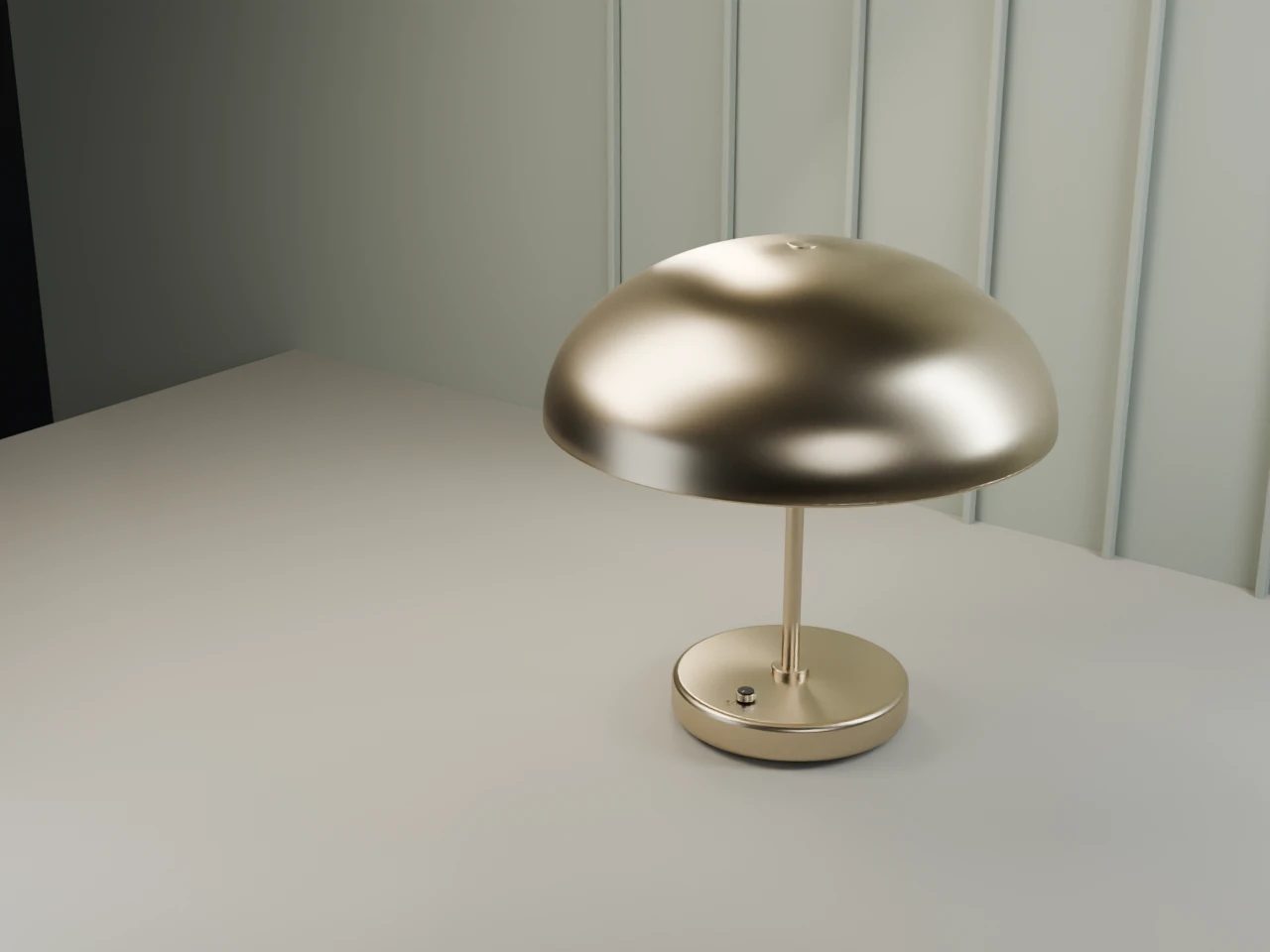
alba
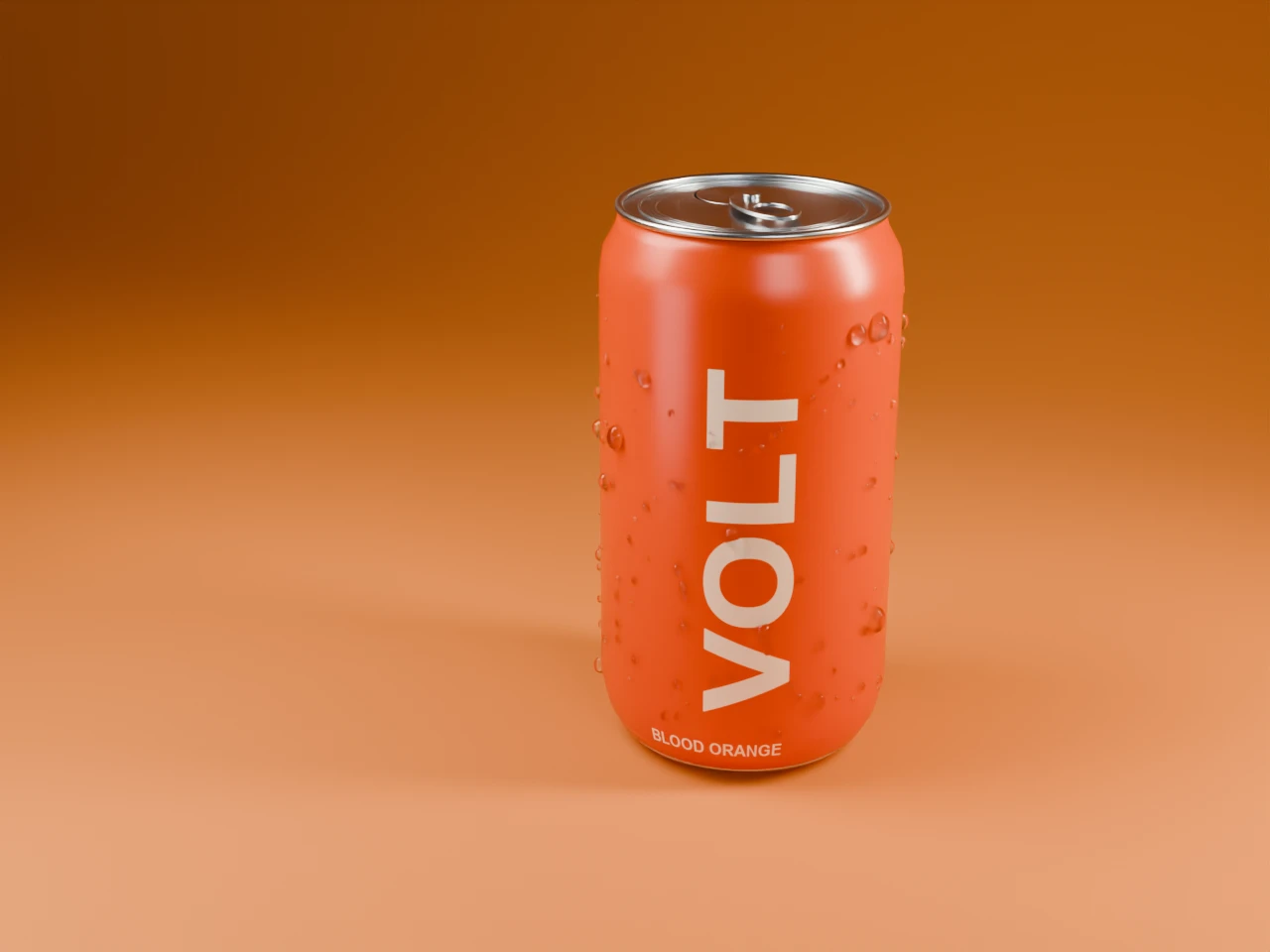
VOLT
Your project.
A clearer process.
Assembly works inside your assistant and your project. You make the decisions; the workflows help carry them through.
Bring the idea ↗
Describe what you want to build or what isn't working. A rough idea, a reference, or a specific problem is enough to start.
Shape the approach ↗
Inspect the existing project, work through the meaningful choices, and agree what a successful result should do.
Build in context ↗
Use the project's own technology and conventions. Preserve working behavior while implementing the selected scope.
Review the result ↗
Check the behavior, inspect the rendered experience, and identify what still needs work before release. Publishing remains your decision.
A few good questions.
What is a workflow pack?
A set of instructions and supporting resources that guide an AI assistant through a particular kind of work. All 32 packages can be installed in Codex or Claude Code. Sovra AI has a Feature Discovery planning pilot; other text-chat assistants can use supplied instructions. Compare assistant options and model limits before choosing a workflow.
Does Assembly build everything in this website?
No. This website introduces the toolkit. Workflows run with an assistant that can read their files and use the tools needed for the task. The examples above are interactive design studies, not a hosted generation service.
Can I use it on an existing project?
Yes. The workflows begin by inspecting your project and aim to preserve its technology, branding, data, and working behavior. The scope can be one improvement or an agreed broader build.
How do I buy a pack?
Pack pricing, licensing, delivery, and support terms are still being defined. You can inspect the proposed purchase experience here; this local prototype does not accept payments.
Can PopL do the work for me?
Custom builds are a separate path from using the toolkit yourself. Prepare a project inquiry above to describe your idea. Scope, availability, pricing, and delivery would need to be agreed before work begins.